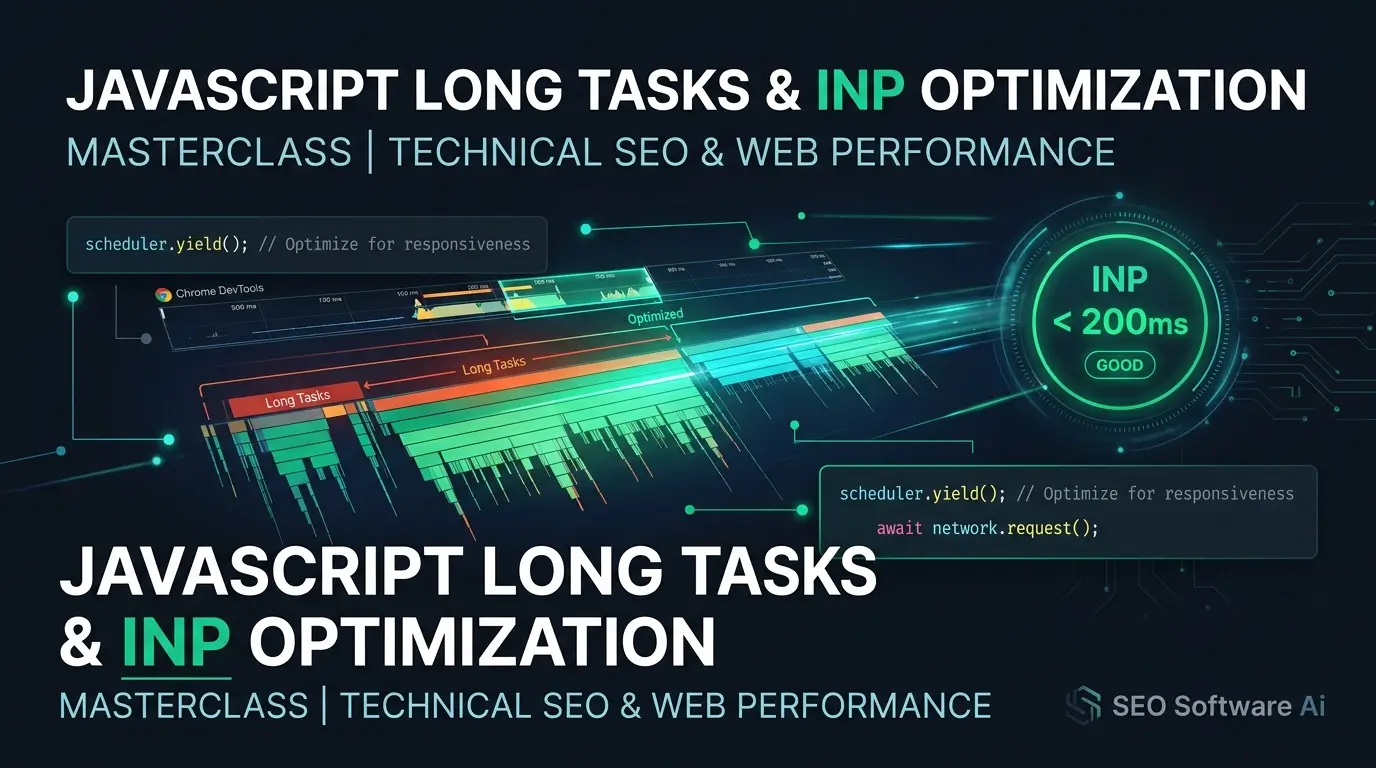
Fixing INP: The Long-Task Techniques That Actually Work
Published: September 2026 · Last updated: September 2026 — INP guidance and browser scheduling APIs continue to evolve; verify thresholds against the current web.dev documentation before publishing.
1. Executive Summary & The 2026 Core Web Vitals Reality
Interaction to Next Paint (INP) is Google's responsiveness metric in the Core Web Vitals suite, having fully replaced the legacy First Input Delay (FID) as of March 2024. While FID measured only the delay before the browser began handling the first user interaction, INP observes interactions throughout the entire page lifecycle — clicks, taps, and keypresses — and reports a value derived from the slowest interactions on the page (using a high percentile, such as the 98th, to filter out extreme one-off outliers on pages with many interactions).
For technical publishers and high-interaction web applications (e-commerce filters, interactive calculators, faceted SaaS directories, and content platforms running programmatic ad scripts), achieving a "Good" INP score (<200ms, per Google's published thresholds) is often hindered by JavaScript Long Tasks — any main-thread execution exceeding 50 milliseconds, per the Long Tasks API specification.
When a user taps an accordion or types into a search filter while the main thread is occupied by a long-running script, the browser cannot process the event promptly. The result is visual freezing and input stutter. It's worth being precise about the SEO consequence: Google has stated that Core Web Vitals is one input among many in its page-experience signals, and that relevant, satisfying content outweighs it in ranking. A poor INP score does not "suppress ranking" on its own in a deterministic way — but it does directly harm conversion, bounce rate, and user trust, which are the more reliable reasons to fix it.
2. Deconstructing the Three Sub-Parts of INP
To diagnose where latency is coming from, it helps to isolate which phase of the interaction pipeline is responsible. The three phases below are a widely used practical breakdown for engineering purposes — note that Google does not publish official per-phase millisecond budgets; the figures below are commonly cited engineering heuristics that sum to roughly the 200ms "Good" threshold, not a formal specification.
Phase 1: Input Delay (commonly targeted at <50ms)
The duration between the user initiating the physical input (e.g., pointerdown) and the browser beginning execution of the associated event callback.
- Primary Culprits: Heavy background tasks (hydrating components, third-party analytics bundles, ad auction scripts, polling timers) running on the main thread when the user interacts.
Phase 2: Processing Duration (commonly targeted at <80–100ms)
The time spent executing the registered event handlers (onclick, onkeydown, onchange).
- Primary Culprits: Synchronous CPU-intensive JavaScript, deep object traversal, un-memoized sorting/filtering over large lists, blocking synchronous
localStoragereads.
Phase 3: Presentation Delay (the remainder of the budget)
The time required for the browser to recalculate styles, compute layout geometry (reflow), and composite/raster the updated frame.
- Primary Culprits: Excessive DOM depth, layout thrashing (interleaved read/write operations on geometry properties like
offsetHeight), complex CSS selectors, and missing layout containment.
3. Real-World Diagnostic Workflow: Capturing Long Tasks via PerformanceObserver
Synthetic Lighthouse tests can miss real-world INP bottlenecks, because lab environments run interactions in isolation, without the scroll cadence, network conditions, and concurrent third-party script contention of a real visit.
To capture field-level long tasks in Real User Monitoring (RUM), a lightweight PerformanceObserver snippet can be deployed directly in the application root:
/**
 * Production Long Task & Interaction Profiler
 * Logs tasks >50ms and correlates them with INP-relevant interaction events.
 * Note: entry.attribution requires the Long Animation Frames / attribution
 * reporting to be supported by the browser; guard accordingly in production.
 */
(function() {
    if (!("PerformanceObserver" in window)) return;

    // 1. Monitor Long Tasks (>50ms on the Main Thread)
    try {
        const longTaskObserver = new PerformanceObserver((list) => {
            for (const entry of list.getEntries()) {
                if (entry.duration > 50) {
                    console.warn(`[Long Task Detected] Duration: ${entry.duration.toFixed(2)}ms | Start: ${entry.startTime.toFixed(2)}ms`);

                    if (entry.attribution && entry.attribution.length > 0) {
                        const attr = entry.attribution[0];
                        console.info(`-> Container: ${attr.containerType} | Script: ${attr.containerSrc || "Inline/Internal"}`);
                    }
                }
            }
        });
        longTaskObserver.observe({ type: "longtask", buffered: true });
    } catch (e) {}

    // 2. Monitor Event Timing & INP-relevant Interactions
    try {
        const eventObserver = new PerformanceObserver((list) => {
            for (const entry of list.getEntries()) {
                const totalDuration = entry.duration;
                if (totalDuration > 150) {
                    const inputDelay = entry.processingStart - entry.startTime;
                    const processingTime = entry.processingEnd - entry.processingStart;
                    const presentationDelay = entry.duration - (entry.processingEnd - entry.startTime);

                    console.error(`[Slow Interaction Flagged: ${entry.name}] Total: ${totalDuration.toFixed(1)}ms`, {
                        target: entry.target,
                        inputDelay: `${inputDelay.toFixed(1)}ms`,
                        processingDuration: `${processingTime.toFixed(1)}ms`,
                        presentationDelay: `${presentationDelay.toFixed(1)}ms`
                    });
                }
            }
        });
        eventObserver.observe({ type: "event", durationThreshold: 50, buffered: true });
    } catch (e) {}
})();
4. Architectural Strategies to Break Up Monolithic Tasks
Strategy 1: Modern Yielding with scheduler.yield()
Legacy frontend code often relies on setTimeout(fn, 0) or requestAnimationFrame() to yield control back to the browser. However, setTimeout pushes the remaining task to the back of the macrotask queue, letting lower-priority tasks jump ahead.
The scheduler.yield() API (available in Chromium-based browsers; check current caniuse.com support before relying on it in production) lets a script yield to the main thread for high-priority input handling while preserving the continuation's priority:
// Progressive enhancement helper for non-blocking task chunking
async function yieldToMain() {
    if ("scheduler" in window && "yield" in window.scheduler) {
        return await window.scheduler.yield();
    }
    // Fallback for browsers without scheduler.yield()
    return new Promise(resolve => {
        const channel = new MessageChannel();
        channel.port1.onmessage = resolve;
        channel.port2.postMessage(null);
    });
}

// Processing a large array without freezing the UI
async function processLargeDataSet(items, processItemFn) {
    const CHUNK_TIME_LIMIT_MS = 16; // roughly one 60fps frame budget
    let lastYieldTime = performance.now();

    for (let i = 0; i < items.length; i++) {
        processItemFn(items[i], i);

        if (performance.now() - lastYieldTime > CHUNK_TIME_LIMIT_MS) {
            await yieldToMain();
            lastYieldTime = performance.now();
        }
    }
}
Strategy 2: Eliminating Forced Synchronous Layout (Layout Thrashing)
Layout thrashing occurs when JavaScript writes to the DOM (changing classes, styles, or content) and then immediately reads a geometric property (e.g., element.offsetWidth, window.scrollY, getBoundingClientRect()), forcing the browser into an expensive synchronous reflow mid-script.
// Batch all geometric reads first, then batch writes
function updateCardHeightsOptimized(cards) {
    // Phase 1: Batch Reads
    const heights = cards.map(card => card.parentElement.offsetHeight);

    // Phase 2: Batch Writes (no reflow interleaving)
    requestAnimationFrame(() => {
        cards.forEach((card, index) => {
            card.style.height = `${heights[index] + 20}px`;
        });
    });
}
Strategy 3: Offloading Computation to Web Workers
Non-DOM operations — fuzzy keyword matching, syntax highlighting, cryptographic hashing, data serialization — generally shouldn't run on the main thread. Web Workers move heavy CPU execution to a background thread, at the cost of needing serializable data across postMessage and no direct DOM access from the worker.
5. INP Optimization Techniques: What Each One Actually Targets
The table below describes what each technique addresses and its typical trade-offs. We've deliberately left out invented percentage figures for "performance gain" — the actual improvement from any of these depends entirely on your specific bottleneck, codebase, and traffic profile, and should be measured with before/after RUM data on your own site rather than assumed from a generic benchmark.
| Optimization Technique | Primary INP Target Phase | Implementation Effort | What It Addresses | Key Trade-offs & Constraints |
|---|---|---|---|---|
| scheduler.yield() Chunking | Input Delay & Processing | Low–Medium | Lets queued high-priority input events interrupt a long-running loop | Requires refactoring synchronous loops into async chunks; not yet supported in every browser engine. |
| Batching DOM Reads/Writes | Presentation Delay | Medium | Removes forced synchronous reflows caused by interleaved geometry reads/writes | Requires discipline across the codebase to avoid re-introducing interleaved calls. |
| Web Worker Offloading | Processing Duration | Medium–High | Removes CPU-bound work from the main thread entirely | Data transferred over postMessage must be structured-clone-serializable; no direct DOM access. |
| CSS content-visibility: auto | Presentation Delay | Minimal | Skips rendering work for off-screen content | Requires setting contain-intrinsic-size to prevent scrollbar/layout jumping. |
| Ad Script Sandboxing / Deferral | Input Delay | High | Prevents third-party auction/rendering scripts from occupying the main thread during user interaction | Requires ad-tag compatibility testing and iframe bridge governance; may affect ad viewability metrics. |
6. Illustrative Scenarios: Common INP Failure Patterns
The two scenarios below are illustrative, composite examples used to explain a general failure pattern and its fix — they are not documented case studies from a named, verifiable company, and the millisecond figures are representative rather than measured production data.
Scenario A: Global State Re-renders on Every Keystroke
The Pattern: A search input is wired into a top-level state provider (React Context, a global store, etc.) that many unrelated components subscribe to. Each keystroke triggers a state update that cascades into re-rendering navigation, menus, and unrelated UI — work the interaction didn't actually need.
The Fix: Isolate the input's local state (an uncontrolled ref or a scoped store), use atomic/selector-based state access so unrelated components don't re-render, and debounce the network dispatch. This class of fix typically produces a large, measurable INP improvement on typing-heavy interactions — the exact number depends on how many components were needlessly re-rendering.
Scenario B: Ad Auction Scripts Blocking Tap Interactions
The Pattern: Header-bidding or ad-mediation scripts run synchronous work on page load or on scroll, occupying the main thread exactly when a user taps a menu or filter.
The Fix: Defer non-critical ad initialization until after the first idle window (requestIdleCallback() or scheduler.postTask() with background priority), and apply CSS containment (contain: layout size) to ad slots so their rendering doesn't force layout recalculation outside their boundary.
Frequently Asked Questions
Why does Lighthouse report a good FID/INP score, but Google Search Console shows INP issues?
Lighthouse runs a synthetic, single-run audit, often without the real interaction patterns of actual users (rapid typing, scrolling while tapping filters, low-end devices, poor network conditions). Google Search Console's Core Web Vitals report is based on the Chrome User Experience Report (CrUX), aggregated from real visitors over a rolling 28-day window — the two data sources measure different things and will often disagree.
What is the difference between requestAnimationFrame() and scheduler.yield() for INP?
requestAnimationFrame() schedules a callback to run before the next paint; using it to chunk heavy work can still cause frame drops if input events are waiting. scheduler.yield() is designed to let the browser interleave pending user input and paint work ahead of your continuation, then resume your task — check current browser support before depending on it as your only mechanism.
How does CSS contain: layout help reduce Presentation Delay?
When a DOM element changes, the browser normally checks whether that change affects the geometry of parent or sibling elements. contain: layout or contain: strict tells the browser that a container's internal mutations won't affect layout outside its boundary, localizing reflow calculations to that subtree.
